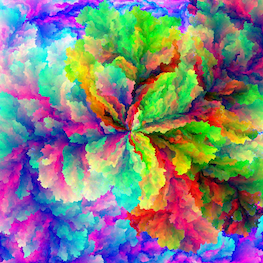
Bloom |
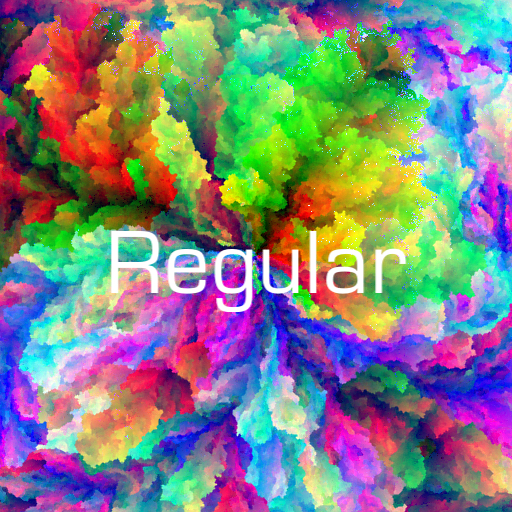
A unique color for every pixel.
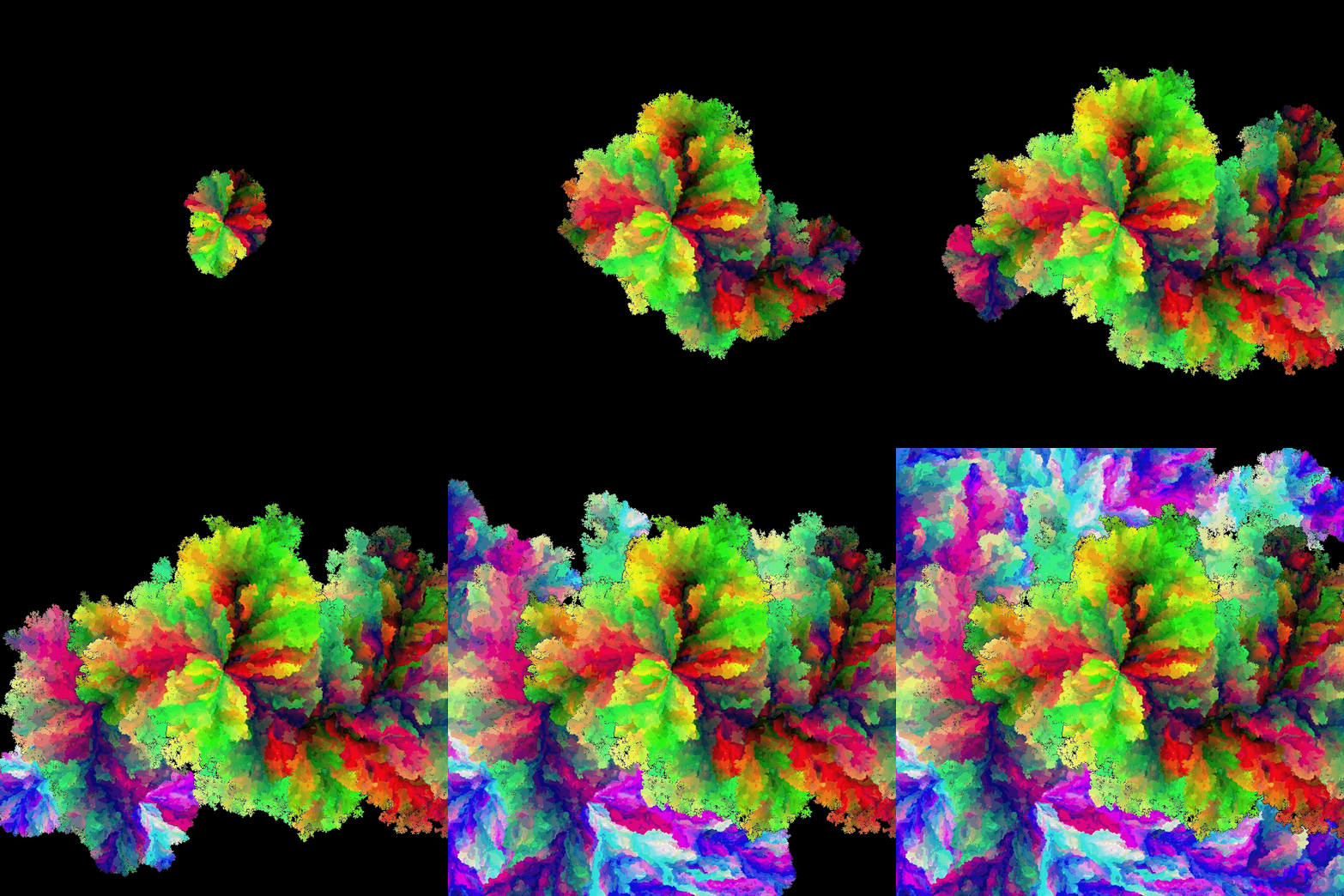
Time-lapsed image generation.
Bloom is an app for iOS and macOS that generates computational art, which means images are created by algorithms rather than by hand, but users can customize parameters to influence the results. In Bloom, textures can be generated so that every pixel has a unique color, producing endlessly varied patterns that can be applied to a variety of 3D shapes.
Features
- Self-generating, pseudo-random process creates unique patterns of a rainbow of colors.
- 1000×1000 dimension color profusions consisting of one million differently colored pixels, with the option of more or fewer.
- Apply generated images, or any other image, as textures on 3D shapes — sphere, cube, heart, and more.
- Listen to our own in-house music as you watch and wait.
The Gallery provides an illustrated introduction to Bloom.

Bloom on the iPad.
3D Shape Rendering

Sphere, heart and star shapes with a Kuwahara filtered bloom image as the texture.
Apply your bloom, or any other image of yours, to a 3D shape such as spheres, hearts and stars. Many 3D output options, including texture filters, shape rotation, material and lighting properties. These options can be saved to and reloaded from Bloom Documents, using the Share menu. Visit the Gallery for more details.
Example: Normal Map
A normal map makes a surface texture appear beveled by modifying how light interacts with the surface, without actually changing the surface geometry.
You can adjust the surface normals and lighting to create an embossed effect: To fake a bevel, a normal map is applied to gradually rotate normals near edges.
The normal map effect is available from the Presets menu item Bevel - see the Gallery for more details.

The bevel effect on the right is due to adjusting the direction of the normal vectors on the surface of the sphere with a normal map. The normal map is generated from the texture itself, in this case an Eight Bit filtered bloom image.
Shape Geometry

The default bloom image on the cube shape, rotated around the x and y coordinate axes to emphasize a corner point.
Available shape geometries: sphere, torus, cube, cylinder, plane, capsule, pyramid, star, trefoil knot, exclamation heart and heart.

Iconic previews of the available shapes.
Music Manager
A Music Manager enables listening to an assortment of music tracks while you wait and watch the art generate.

A wide assortment of musical tracks to listen to while you wait for image generation to complete, or experiment with the many 3D shape options.
The Gallery provides an illustrated introduction to Bloom.